Zoom and Teams backgrounds
Twelve video call backgrounds with the green awareness ribbon, sized for Zoom, Microsoft Teams, Google Meet and Webex. Six are flat color and six are photographs.
Flat color
Six flat-color backgrounds, 1920 x 1080
Three colorways. Each comes with the month's name beside the ribbon, or with the ribbon alone. Click a preview to open the full-size file.
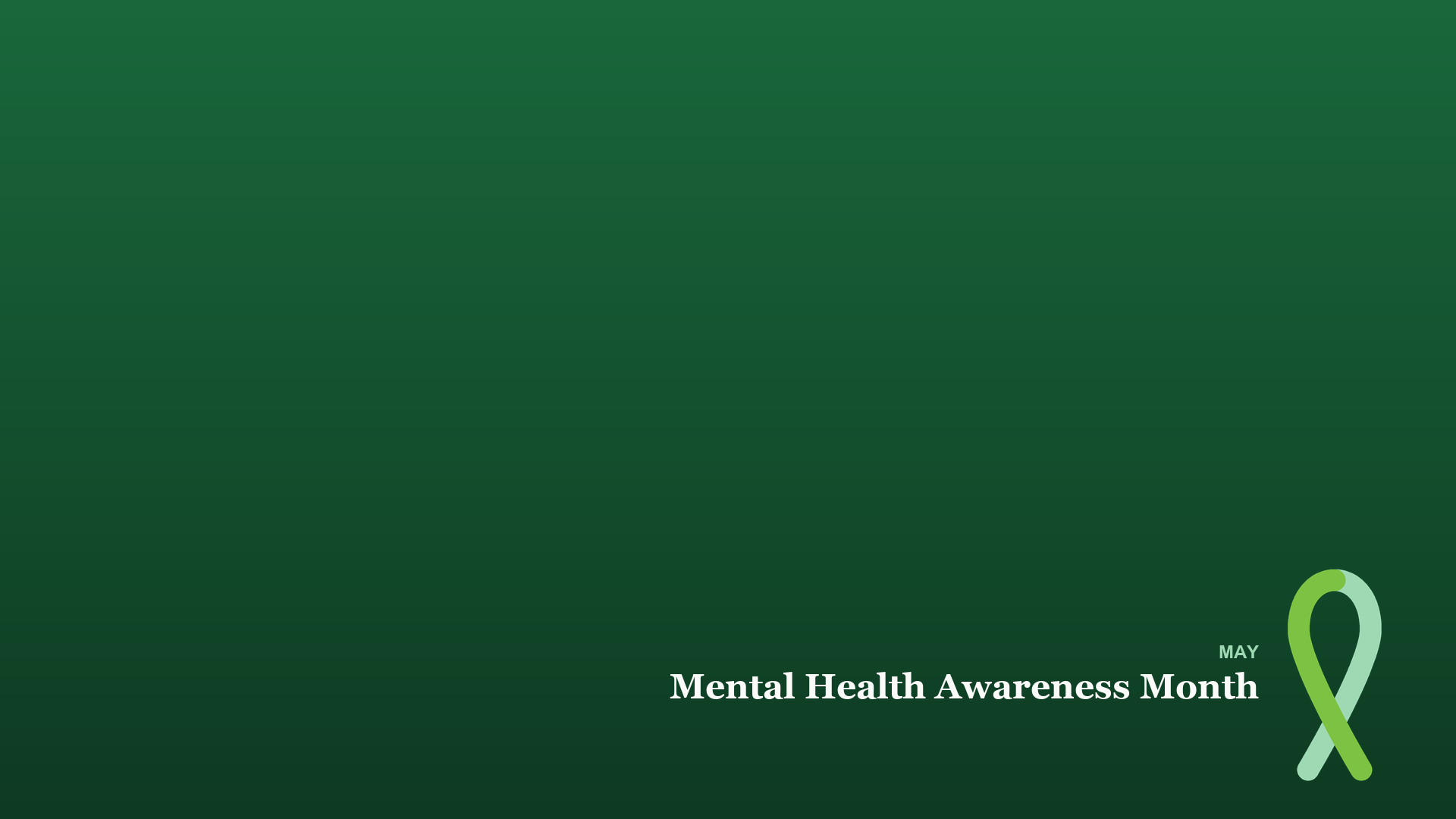

Dark green, ribbon only
The same field and ribbon with no wording, for a lighter touch, or for calls outside May.
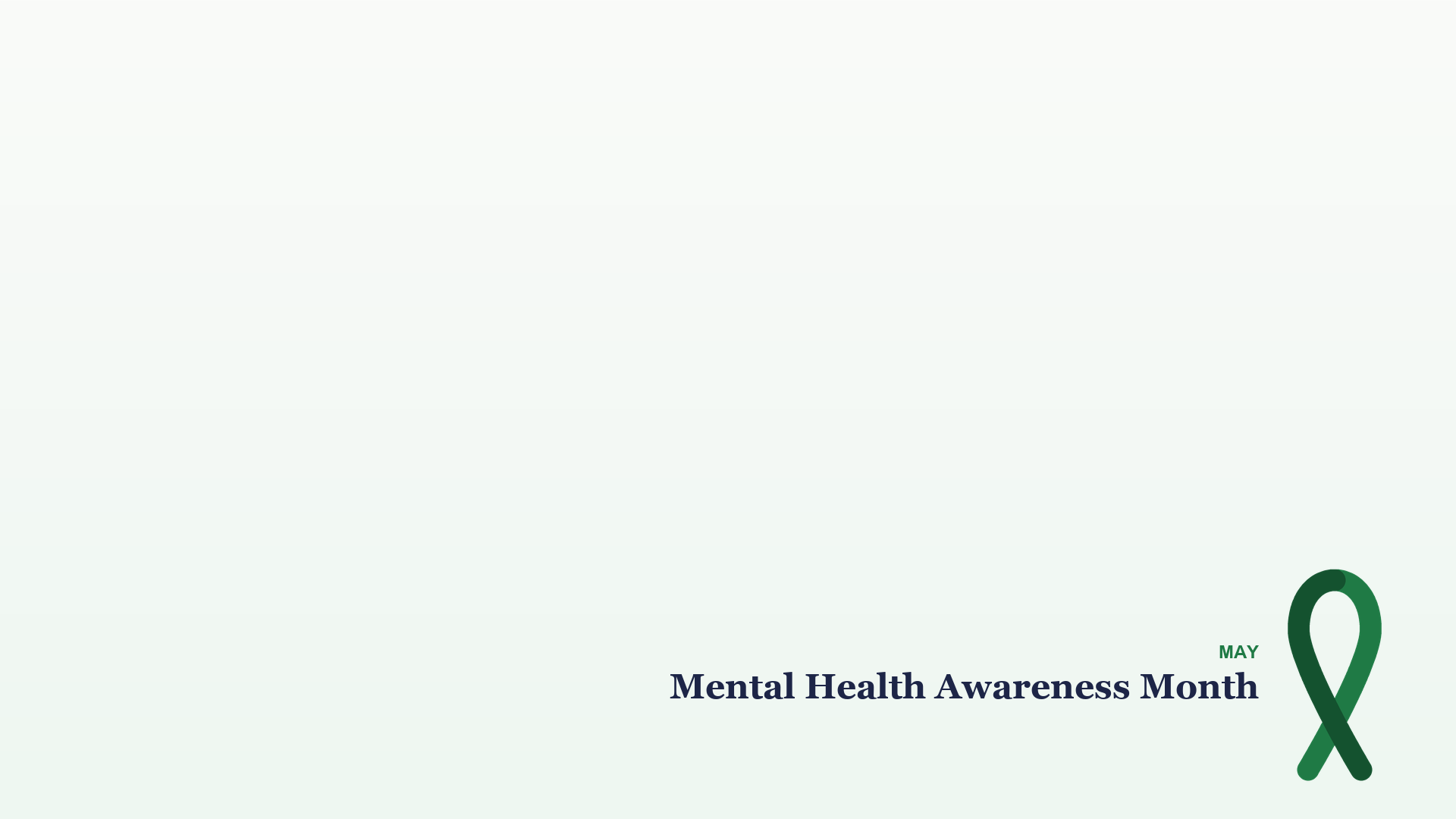
Light, with text
Deep green ribbon on a near-white field. Works in bright rooms and on small thumbnails.

Light, ribbon only
The same field and ribbon with no wording, for a lighter touch, or for calls outside May.
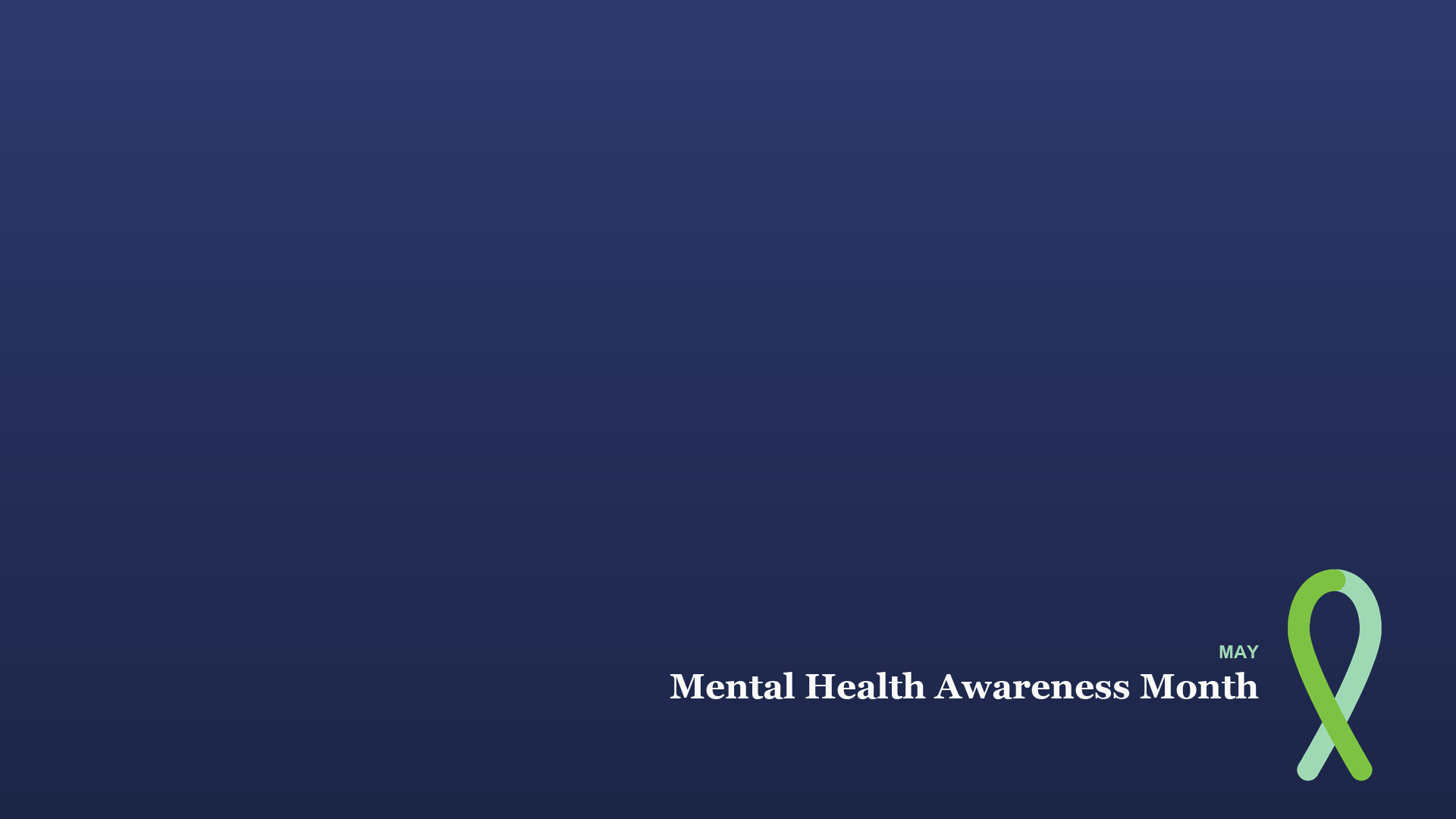
Indigo, with text
Green ribbon on dark indigo, for anyone who wants the ribbon without a green wall behind them.

Indigo, ribbon only
The same field and ribbon with no wording, for a lighter touch, or for calls outside May.
Photographs
Six photo backgrounds, 1920 x 1080
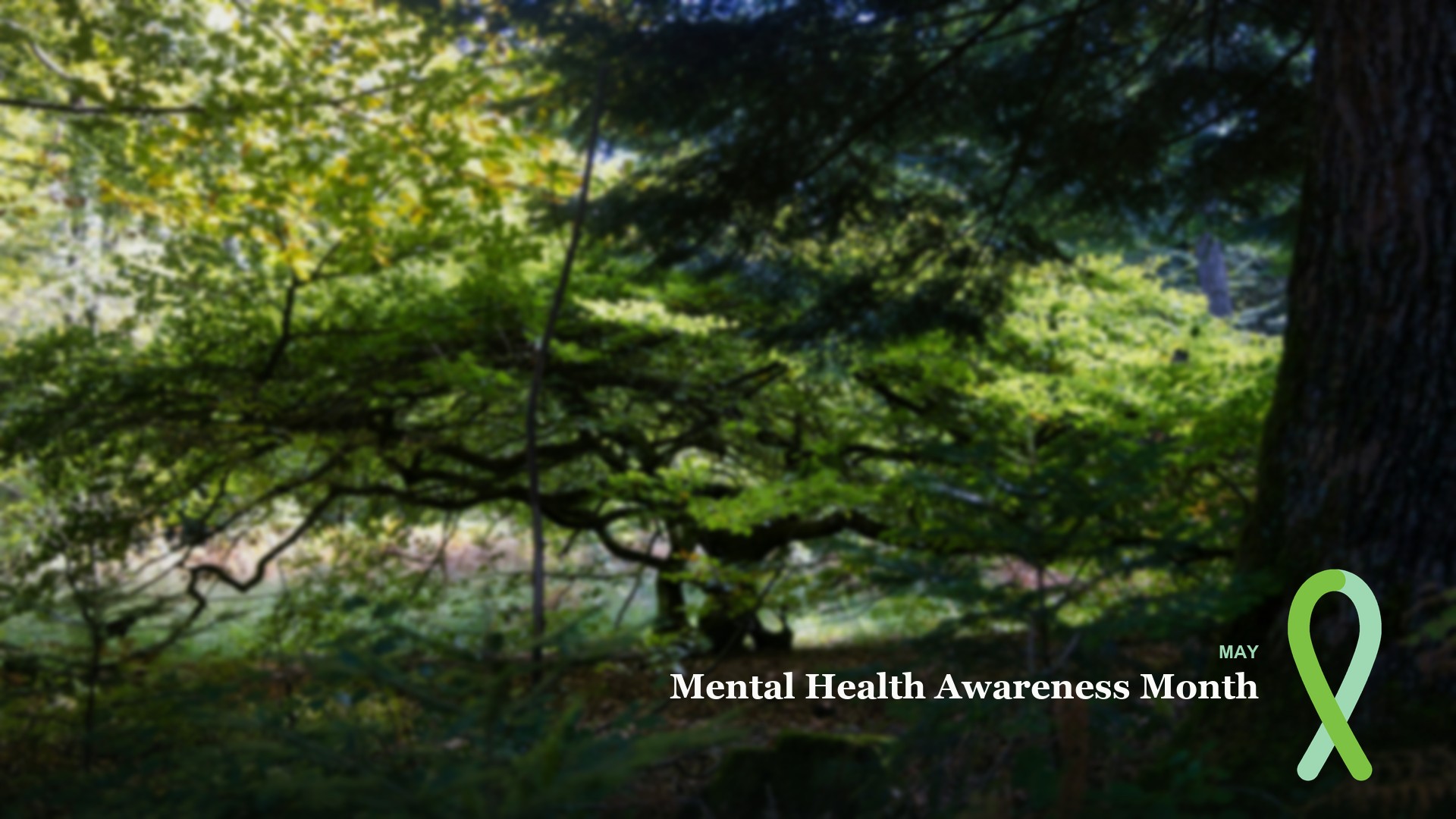
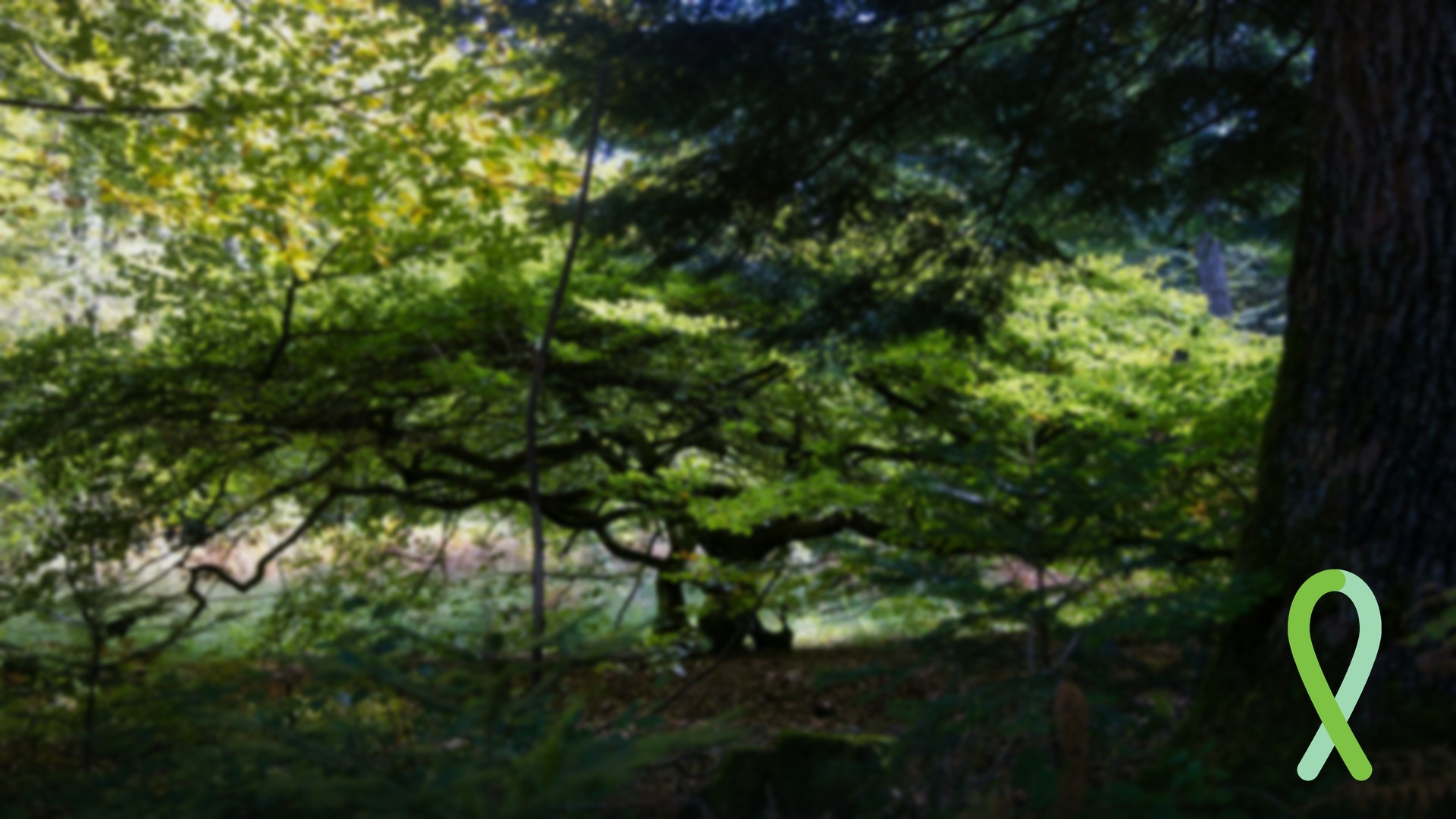
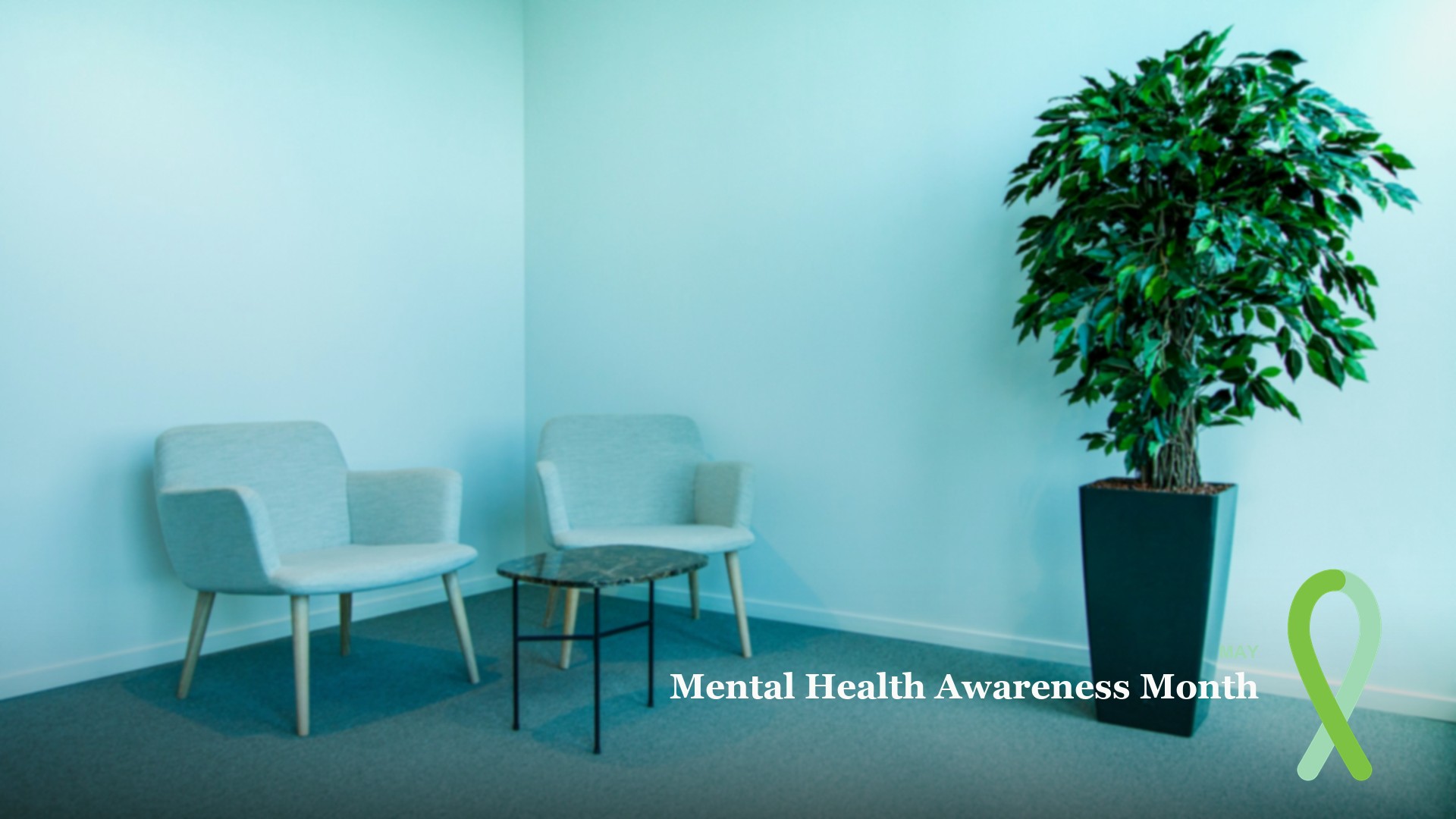
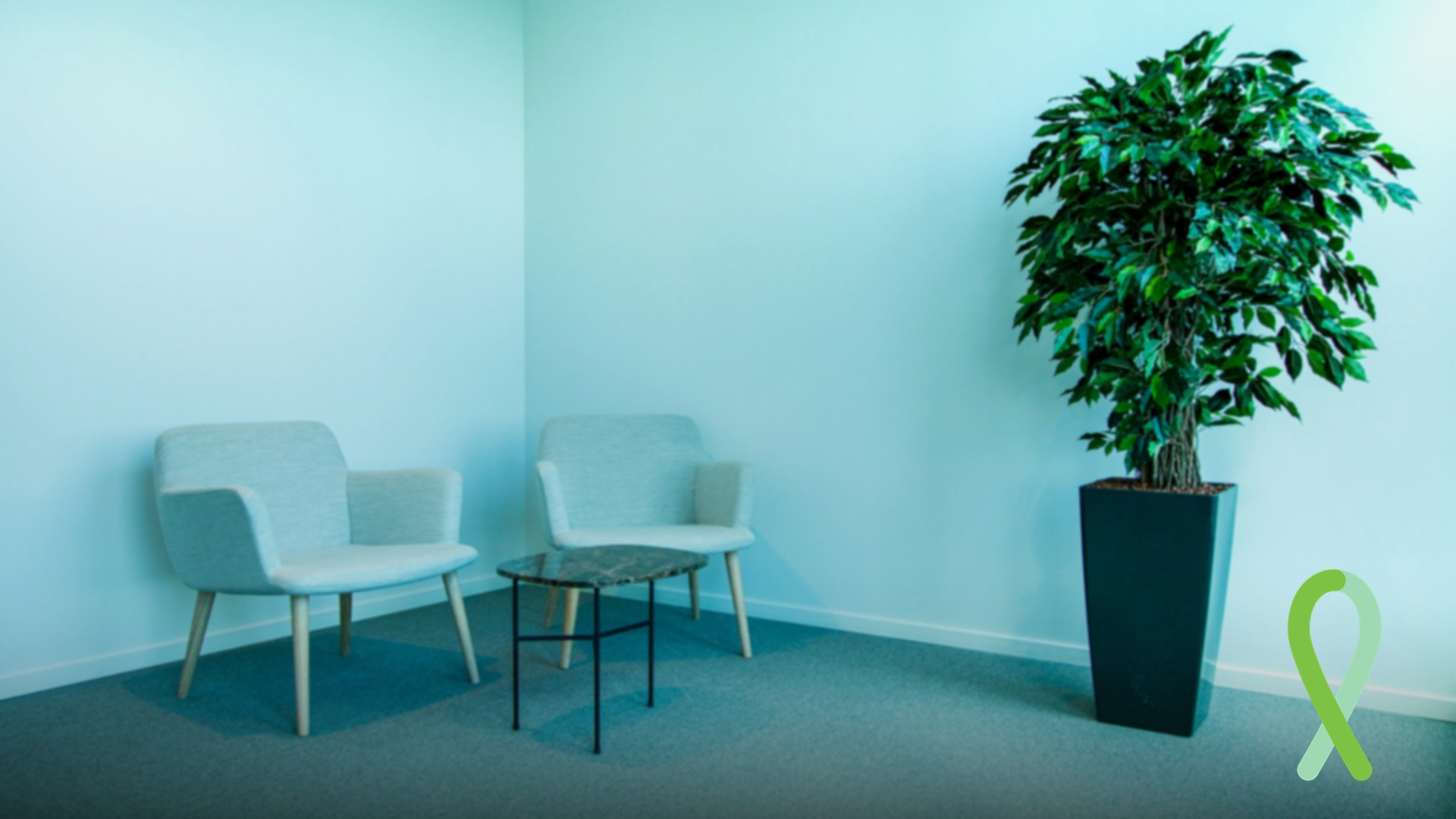
The same ribbon lockup over a softened photograph, for anyone who finds a flat wall too stark. The photos are blurred a little so you stay the sharpest thing in the frame.
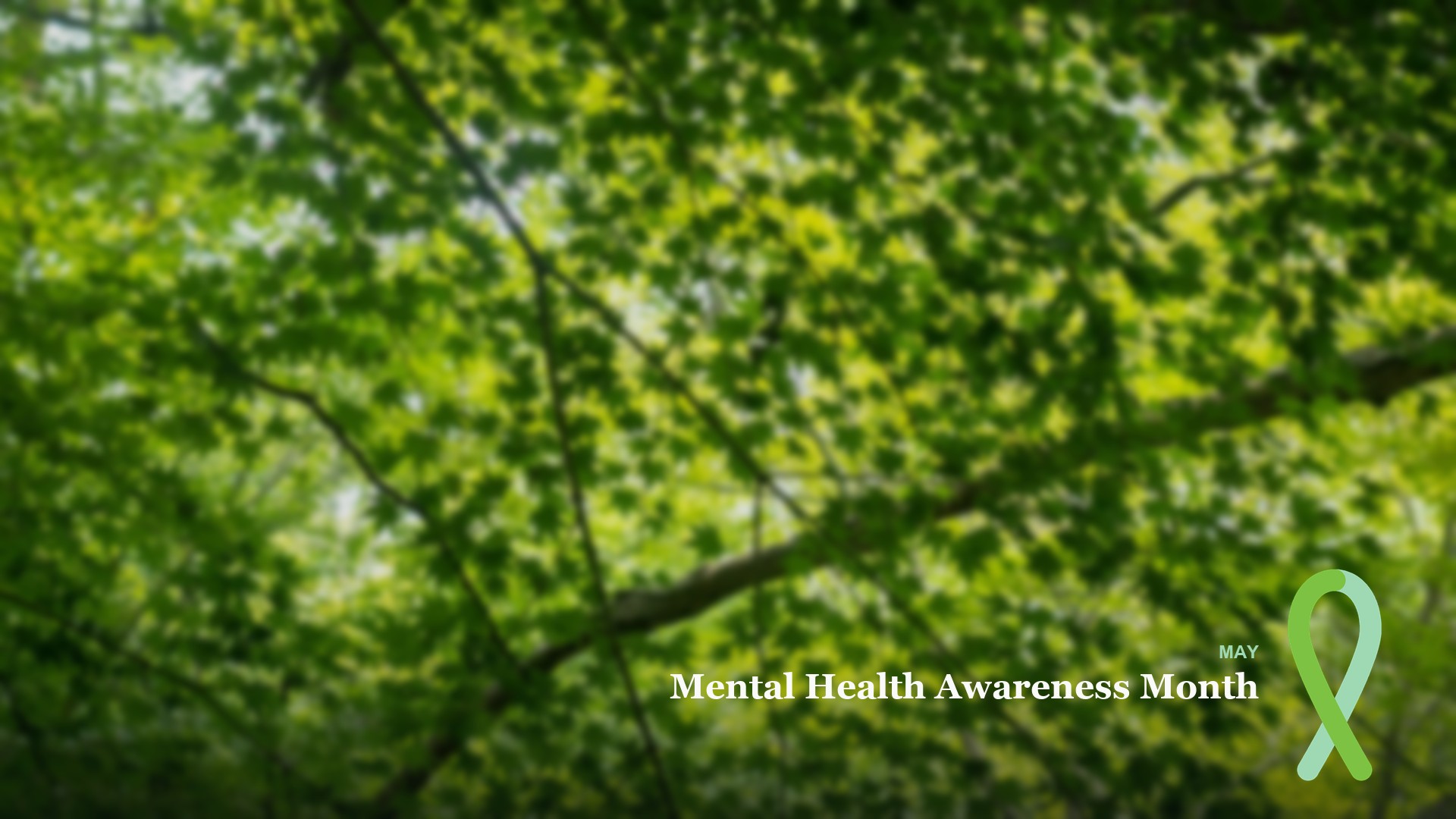
Green canopy, with text
Looking up through green leaves. Soft and even, so it stays out of the way.

Setting it up
How to use a custom background
Save the PNG somewhere you can find it, then add it from inside the app. The menus move around between releases, so if a label below is not quite what you see, look for anything called background, effects, or filters.
- ZoomIn a meeting, click the arrow next to Stop Video, choose the background option, then the plus button to add an image. The same list is under Settings, then Background & Effects.
- Microsoft TeamsBefore joining, open the background filters on the preview screen. In a meeting, open More, then the effects option, then Backgrounds, and choose Add new.
- Google MeetOn the preview screen or in the meeting, open the visual effects panel and upload a background image.
- WebexOpen the video options, choose Change virtual background, then add an image.
Your own preview is mirrored in most apps, so the wording looks reversed to you. Everyone else sees it the right way round. If it bothers you, use a ribbon-only version.
How they are laid out
Made to sit behind a person
The ribbon and the wording sit small in the bottom-right corner, the way a company mark usually does on a call, so they stay visible without competing with the person in the shot. The bottom-left corner is empty because that is where Zoom and Teams put your name label.
Nothing on the images identifies this site or any organization. The flat-color set is a green ribbon and the name of the month, which nobody owns. The photographs show no people, logos, or artwork.
The greens are the same ones as everything else here. The exact values, and why there is no single official shade, are on the color page. What the ribbon stands for is on the green ribbon page.
Want a different size, or your organization's own green? The files are generated by a script, so ask through the contact page and say what you need.
Usage
Usage terms
Free to download and use for any purpose connected to mental health awareness, whether personal, community, educational, nonprofit, or commercial. No attribution is required and no permission is needed.
Please do not resell the digital files themselves as a downloadable product, or use them in a way that implies endorsement by any organization named on this site. These assets are original work and contain no organization's logo, trademark, or campaign branding, which is what makes them safe to use without asking anyone's permission.
The six photo backgrounds are the exception to the line above about original work: each is built on an Unsplash photograph, credited in the photo section, under the Unsplash License. That license allows the same free use and modification, so the terms on this page apply to them too.